
TL;DR:
- Building a multiplayer game requires balancing networking, player psychology, and fairness to retain players long-term. Implementing server authority, client prediction, and effective interest management ensures responsiveness and scalability while reducing cheating and lag issues. Designing for long-term engagement and thoroughly testing under real network conditions are crucial for successful multiplayer experiences.
Building a multiplayer game that actually holds players' attention past the first week is one of the hardest problems in game development. The challenge isn't just writing good code. Multiplayer game design tips that work in practice require you to juggle networking architecture, player psychology, fairness systems, and evolving content, all at the same time. Get the netcode wrong and players quit citing "lag." Get the balance wrong and they quit citing "cheating." This article breaks down the most practical design and technical principles you need, drawn from current industry practice and real engine tooling.
Table of Contents
- Key takeaways
- 1. Master the client-server authoritative model
- 2. Implement lag compensation to keep hitscan fair
- 3. Optimize bandwidth with interest management and delta compression
- 4. Design security around the "never trust the client" principle
- 5. Use Unity Multiplayer Center to reduce architecture overhead
- 6. Build progression systems that create long-term emotional investment
- 7. Design co-op UX to eliminate team bottlenecks
- 8. Incorporate momentum swings for emotional highs
- 9. Simulate real network conditions during development
- 10. Invest in matchmaking and connection quality signaling
- My honest take on where most multiplayer games go wrong
- Build your multiplayer game with Proudlionstudios
- FAQ
Key takeaways
| Point | Details |
|---|---|
| Prioritize client-side prediction | Apply player input immediately on the client to hide latency and keep gameplay feeling responsive. |
| Server authority stops cheats | Validate every critical action server-side to block aimbots, speed hacks, and inventory exploits. |
| Progression systems extend retention | Seasonal content, achievements, and rotating events keep players emotionally invested beyond single sessions. |
| Co-op UX needs bottleneck checks | Design shared resource systems so no single player's action locks out their entire team. |
| Simulate bad networks during testing | Run latency, jitter, and packet-loss scenarios early to catch desync and hit-registration bugs before launch. |
1. Master the client-server authoritative model
Most multiplayer game development advice starts here, and for good reason. The client-server authoritative model is the backbone of responsive, cheat-resistant multiplayer. The server holds the ground truth for all game state. The client predicts outcomes locally so the game feels instant. When the server state arrives, reconciliation corrects any discrepancy the client made.
Client-side prediction with server reconciliation gives players responsive gameplay even at latency around 60ms. Without prediction, every keystroke would wait for a server round trip before appearing on screen, and even minimal latency causes visible input lag if rendering waits for confirmation.
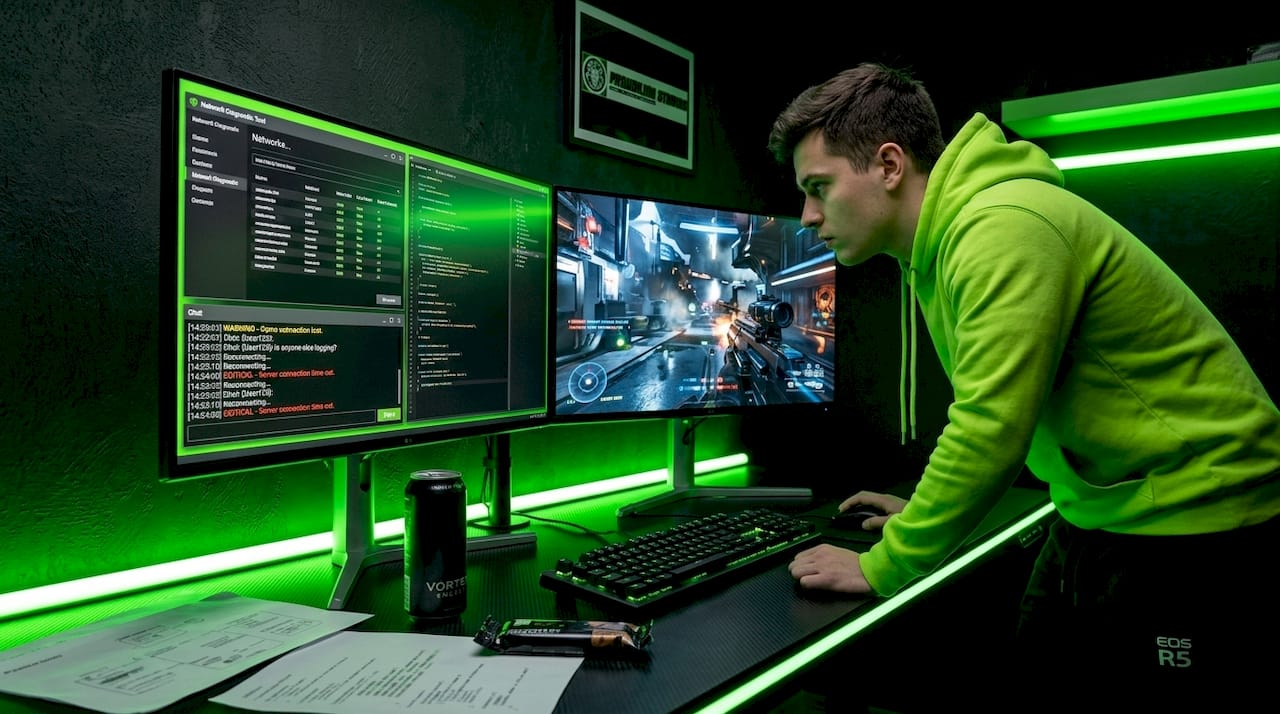
The practical takeaway: never let the server be a bottleneck the player can feel. Design your input loop so the client always acts first, and let reconciliation run silently in the background.
Pro Tip: Save server reconciliation bandwidth by only sending corrections when the server state diverges beyond a defined threshold, not after every single tick.
2. Implement lag compensation to keep hitscan fair
Shooting games live or die on perceived fairness. If a player fires at a valid target and the server disagrees because it was working from a different timeline, you get the infamous "I clearly hit that" frustration that kills retention.
Server-side lag compensation solves this by rewinding the game state to the exact moment the client fired the shot, checking hit validity against that historical snapshot, then returning to current time. The target player experiences a tiny disadvantage (they can be hit a fraction of a second after moving), but the overall experience feels significantly fairer to the shooter. This trade-off is generally accepted because it rewards player accuracy rather than penalizing them for network variance they can't control.
For non-hitscan mechanics like melee or projectile systems, pure interpolation and physics prediction are often more appropriate. Match your lag compensation strategy to your combat system's specific needs rather than applying one method across the board.
3. Optimize bandwidth with interest management and delta compression
Once your session scales past ten concurrent players, raw bandwidth becomes a real concern. Sending full world state to every client on every tick is unsustainable in large open-world or battle royale formats.
Interest management and delta compression address this directly. Interest management means each client only receives updates for entities within their relevant area or line of sight. Delta compression means you only transmit what changed since the last snapshot, not the entire state. Together, these two techniques can reduce network load dramatically without players noticing any difference in their experience.
Snapshot filtering goes one step further by prioritizing which entities get updated first based on their proximity or relevance to each client. Design your world simulation with these constraints in mind from day one. Retrofitting interest management into a game built without it is an expensive refactor.
4. Design security around the "never trust the client" principle
This is one of the most critical best practices for multiplayer games, and one of the most frequently skipped in indie development. Clients can be modified. Packets can be intercepted. Assume both will happen.
The "never trust the client" principle means every action with meaningful consequences needs server-side validation. Movement, hit detection, item pickups, ability triggers, economy transactions. All of it. Server-authoritative validation is your best countermeasure against cheating, because no matter what a modified client sends, the server makes the final call.
Key validation targets in a typical action multiplayer game:
- Movement: Verify that position deltas match physically possible velocities given elapsed time.
- Hit detection: Never let the client report its own kills. Confirm hits server-side using registered hit volumes.
- Inventory and economy: Process all item grants and currency changes on the server, never in response to a client-issued claim.
- Ability cooldowns: Store cooldown state server-side and reject any ability request fired before the cooldown expires.
For developers building games with blockchain-backed economies, the trust boundary is even more consequential. Check out how multiplayer security meets blockchain for a deeper look at securing on-chain game state.
Pro Tip: Use ServerRPCs (Remote Procedure Calls routed through the server) for all game-altering events, and log rejected RPC calls to build a real-time picture of who is attempting exploits in your live game.
5. Use Unity Multiplayer Center to reduce architecture overhead
A major time sink in multiplayer game development is wiring together session management, matchmaking, relay servers, and lobby systems from scratch. Unity's approach in 2026 avoids most of that.
Unity's Multiplayer Center package offers recommended packages, code samples, and pre-integrated services covering Sessions, Lobby, Relay, and Matchmaker in one place. Unity's modular multiplayer workflow lets you select only the packages your project needs, reducing unnecessary complexity. Instead of building relay infrastructure from scratch, you configure it and focus on what actually differentiates your game: the mechanics.
If you are shipping on Unreal Engine, the equivalent investment is in GameplayAbilitySystem and Dedicated Server configs with built-in network replication. Either way, leverage what your engine gives you rather than rebuilding the plumbing. The developers who ship faster are almost always the ones who resist the urge to build everything custom.
6. Build progression systems that create long-term emotional investment
Single sessions are not enough. Designing engaging multiplayer experiences means building systems that give players a reason to return tomorrow, next week, and three months from now.
Combining skill expression with controlled unpredictability is the proven formula. Random loot drops and rotating map events introduce novelty. Progression systems like battle passes, achievement trees, and seasonal unlocks give players a sense of accumulating progress that survives any single loss. Evolving metas and seasonal content create community-wide moments that players want to be present for. Missing a limited-time event is a real motivation to log in regularly.
Balancing this requires resisting the temptation to make progression purely cosmetic or purely pay-gated. The most retained player bases are ones where free players can meaningfully progress, while paying players get convenience or cosmetic advantages. The player retention mechanics that work across different monetization models consistently follow this structure.
A practical design framework for this:
- Tie short-term rewards to match outcomes (XP, small unlocks).
- Tie medium-term rewards to challenge completions (battle pass tiers, achievements).
- Tie long-term rewards to seasonal milestones (exclusive cosmetics, prestige ranks).
7. Design co-op UX to eliminate team bottlenecks
Co-op multiplayer introduces a specific failure mode that competitive design does not have: one player's poor experience becomes everyone's poor experience. When a shared system creates a bottleneck, frustration propagates instantly across the whole team.
A concrete example of good co-op design: Subnautica 2 limits active Scanner Station queries to one at a time to prevent conflicting searches from creating chaotic results or locking out teammates. Small coordination decisions like this prevent the low-level friction that accumulates over a session and leaves players feeling like the game is fighting them instead of their enemies.
Design principles for tips for cooperative game design:
- Avoid hard resource locks. If a shared crafting station is occupied, give other players a clear queue or alternate task rather than an idle wait screen.
- Communicate state visually. Let teammates see what each other is doing without requiring voice chat.
- Design failure gracefully. One player going down should create a meaningful recovery moment, not an instant team wipe.
- Scale difficulty to team size. Adjust enemy health, resource availability, and puzzle complexity based on active player count, not just a fixed hard or easy mode.
Pro Tip: Playtest co-op sessions with players who do NOT use voice communication. If cooperation breaks down without it, your in-game communication systems need work.
8. Incorporate momentum swings for emotional highs
Flat, linear matches drain player motivation fast. Whether competitive or co-op, the best multiplayer sessions feel like they had a story arc. That arc needs high points and low points.
Momentum swing systems do this deliberately. Comeback mechanics like catch-up loot in racing games, respawn waves in battle scenarios, or escalating power-ups when a team is significantly behind give losing players a path back into relevance. This is not about removing skill. It is about keeping everyone mentally in the match rather than waiting for the inevitable. Balancing mastery with uncertainty via randomized content keeps games emotionally engaging beyond isolated matches.
When designing how to create competitive multiplayer games, be careful that momentum tools do not invert victories unfairly. The goal is emotional engagement, not randomizing outcomes. Tune the magnitude of your momentum swings so they create hope for the losing side without making skill irrelevant.
9. Simulate real network conditions during development
Most bugs in multiplayer games are not discovered in local testing because local testing does not replicate real-world network conditions. You need to break things intentionally before your players do.
Simulating latency, jitter, and packet loss inside Unity's Network Simulator and Unreal's Network Emulation tools surfaces desync and hit-registration bugs during development. Here is a simple testing protocol to build into your workflow:
- Baseline test at 0ms latency to confirm core mechanics work perfectly.
- Low-latency test at 50-80ms to verify prediction and reconciliation behave correctly.
- High-latency test at 200-300ms to stress-test your UI indicators and player feedback systems.
- Packet-loss test at 5-15% loss to expose state desync and interpolation artifacts.
- Jitter test with variable latency spikes to catch edge cases in your rollback system.
Run each scenario with at least two clients to see how both sides of a conflict resolve. Fix desync at this stage and you will ship a significantly tighter product than teams that only test under ideal conditions.
10. Invest in matchmaking and connection quality signaling
Nothing kills first impressions like dropping a new player into a match with a 300ms ping and no indication why the game feels wrong. Matchmaking quality directly shapes perceived game quality, even when your mechanics are excellent.
Design your matchmaking to optimize for latency before skill rating at low player counts. Getting players into responsive matches matters more than perfect skill parity when your player base is still growing. As player count scales, introduce full ELO or TrueSkill ranking.
Equally important: surface connection quality to players visibly. A clear ping indicator and region selector give players agency over their experience. Players who understand why a match felt slow are significantly more forgiving than players who just feel the game is broken. Small UX details like this are an underrated part of designing engaging multiplayer experiences.
My honest take on where most multiplayer games go wrong
I've spent a lot of time looking at how multiplayer games fail, and the pattern is almost never purely technical. The teams that shipped unplayable lag usually knew their netcode was weak. The studios that launched with rampant cheating knew client validation was incomplete. What stops developers from fixing these things is almost always a prioritization failure, not a knowledge gap.
In my experience, the most dangerous phase is the week before a launch window closes. That's when "we'll fix it post-launch" becomes the answer to too many questions. Lag compensation, server validation, and interest management are not polish features. They are architecture decisions that cost ten times more to retrofit after launch than to build correctly the first time.
What I've also found is that player psychology gets underweighted against technical checklists. Developers obsess over tick rates and then ship a game with no clear visual feedback for shared resource conflicts, or no momentum swing system for losing teams. Players don't feel tick rates. They feel whether the game treats them fairly and keeps them emotionally engaged.
My actual advice: run your network simulation tests on week one of development, not week twelve. Design one progression loop before you design your second mechanic. And build one co-op session with real strangers who have never played your game before. What confuses them in the first ten minutes is your most important design data.
— Amal
Build your multiplayer game with Proudlionstudios
If you are building a multiplayer game and need a technical partner who has already solved the architecture problems described in this article, Proudlionstudios is worth a serious look. The Dubai-based studio specializes in AAA multiplayer game development using Unity's modular workflow, including pre-integrated session management, matchmaking, and relay services.

What separates Proudlionstudios from a typical game studio is the integration of blockchain and AI at the architecture level. Whether you need a secure on-chain in-game economy, blockchain-backed multiplayer features, or AI-driven matchmaking and anti-cheat systems, the team builds these as native components rather than bolted-on additions. If your multiplayer project requires scalable, secure, and technically advanced foundations, reach out to Proudlionstudios directly to discuss your build.
FAQ
What is the most important multiplayer game design tip?
Building around a client-server authoritative model with client-side prediction is the single most impactful decision. It ensures responsive gameplay and provides the foundation for fair, cheat-resistant mechanics.
How do you prevent cheating in multiplayer games?
Validate every critical game action server-side and never trust client-reported state. Using ServerRPCs and rejecting unauthorized state changes blocks the most common cheating methods including aimbots, speed hacks, and inventory exploits.
What keeps players engaged in multiplayer games long-term?
Combining skill-based progression with controlled unpredictability, like rotating events and seasonal unlocks, extends engagement across months. Short, medium, and long-term reward loops give players goals at every stage of play.
How should developers test multiplayer games before launch?
Simulate latency (50ms to 300ms), packet loss (5 to 15%), and jitter using engine tools like Unity's Network Simulator or Unreal's Network Emulation. Testing under realistic bad-network conditions catches desync and hit-registration bugs early.
What makes co-op multiplayer design different from competitive design?
Co-op design must prevent shared resource bottlenecks and design failure states that affect the whole team. One player's frustrating experience immediately becomes everyone's frustration, so cooperative mechanics need more careful access coordination than competitive ones.