
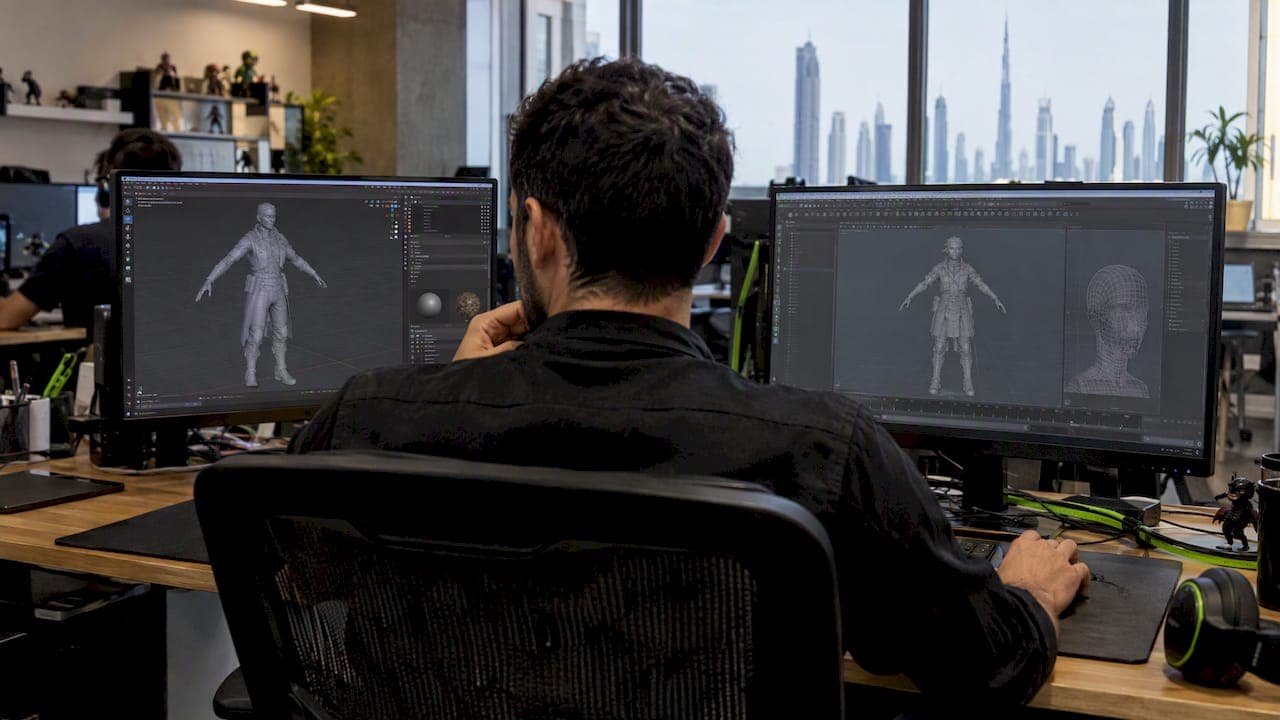
If you need free, full-featured software and flexible licensing, choose Blender; if you're joining a studio pipeline built around Autodesk tools and complex rigging, Maya still makes sense. The real trade-off is cost versus entrenchment: Blender costs nothing and covers modeling through rendering, while Maya charges a recurring seat fee but remains the standard many studios already run on. The sections below break down licensing, learning curve, and pipeline fit so you can match the tool to your situation.
TL;DR:
- Blender has no licensing fees, seat limits, or renewal charges, while Maya starts around $168 monthly per seat or offers Flex tokens for irregular use.
- Maya’s HumanIK, animation layers, and skinning controls suit complex character rigs, but Blender handles production needs; test a walk cycle in both before committing.
- Maya’s studio advantage often comes from existing scripts, tools, and staff training; switching can be costly, so match the client’s required pipeline before choosing.
- FBX and OBJ support transfers, but matching scale units and checking Z up versus Y up before export prevents common conversion problems.
Table of Contents
- Blender vs Maya at a Glance
- What the License Actually Permits and What It Costs
- How Fast You'll Get Productive, and Where to Find Help
- Modeling and Sculpting: Where Each Tool Shines
- Rigging and Animation: Where the Real Gap Shows Up
- Rendering and Pipeline Fit
- Why Studios Still Default to Maya
- Moving Assets Between Blender and Maya
- Which to Choose: A Five-Minute Checklist
- How We Evaluate Tool Choice on Client Projects
- Need Production-Ready 3D Art Without the Tooling Debate?
- FAQ
- Sources
Blender vs Maya at a Glance
Before diving into specifics, here's how the two stack up on the factors that matter most when you're picking a tool to learn or adopt for production work.
- License and cost: Blender is free and open-source under the GPL; Maya runs on a paid Autodesk subscription.
- Best for modeling and sculpting: Blender's integrated modifier stack and sculpt tools suit solo artists and small teams; Maya's polygon tools remain a studio staple for large-scene work.
- Best for rigging and animation: Maya's HumanIK and animation layers give technical directors deep control over complex character rigs; Blender now covers most production rigging needs too.
- Community and support: Blender benefits from a large, active online community and a growing add-on ecosystem; Maya offers more formalized enterprise training and certification paths.
- Interoperability: Both tools export to FBX and OBJ, and dedicated add-ons bridge Blender and Maya scenes, though axis and scale conversions need attention.
- Industry adoption: Maya still dominates many large studio pipelines; Blender has grown fast in indie games, research, and increasingly in professional production.
What the License Actually Permits and What It Costs
The licensing difference between these two tools shapes almost every other decision you'll make. Blender runs under the GNU GPL, and the Blender Foundation states plainly that this license does not restrict commercial use: you keep what you create, with no royalties, seat fees, or update charges ever attached.
Maya works differently. Autodesk sells it as a subscription, with standard pricing starting around $168 per month, and it also offers a pay-as-you-go "Flex" token system for teams with irregular usage.
- Blender: zero licensing cost, unlimited seats, no renewal fees.
- Maya: recurring per-seat subscription, or Flex tokens for occasional use.
A studio running multiple Maya seats pays that subscription every month, indefinitely, while a Blender-based team redirects that budget toward artists or hardware instead. That single fact drives a lot of indie and small-studio tool decisions before capability even enters the conversation.
How Fast You'll Get Productive, and Where to Find Help
Learning speed depends less on raw software complexity than on how much support exists around you. Blender's community has grown into one of the largest in 3D software, with extensive free tutorials, forums, and a mature add-on marketplace. A 2025 survey of free and open-source 3D software found adoption spreading across film, animation, research, and game development, with free access cited as a primary reason users switch.
Maya's learning path leans more formal: Autodesk certification programs, enterprise training contracts, and decades of studio documentation built around its API. Practitioner discussions on sites like Polycount describe studios investing heavily in Maya-specific scripts and onboarding materials because so much legacy pipeline infrastructure depends on them.
- Solo learners: Blender's free tutorials and active subreddits shorten the ramp-up time.
- Studio hires: Maya familiarity often matters more than raw skill if the pipeline is already built around it.
Pro Tip: If you're building a portfolio from scratch, start in Blender: you'll learn faster without a subscription clock running, and you can pick up Maya-specific habits later if a studio requires them.
For a broader primer before you commit to either tool, our beginner's guide to 3D modeling covers the fundamentals that transfer across software.
Modeling and Sculpting: Where Each Tool Shines
Blender's non-destructive modifier stack lets you layer operations like bevels, arrays, and subdivisions without permanently altering a mesh, which speeds up iteration for solo artists and small teams. Its sculpting toolset has matured enough to anchor full indie production pipelines, and the same 2025 FOSS adoption survey notes growing use of Blender's modeling tools across research and commercial projects alike.
Studio modelers working on large, complex scenes sometimes still prefer Maya, largely because years of custom scripts and proprietary tools built on Maya's API streamline tasks specific to a given pipeline. That preference is often about accumulated tooling rather than Maya having a fundamentally stronger modeling toolkit.
Whichever software builds the base mesh, final shading and engine-specific materials usually determine how a model actually looks once it ships. The modeling tool sets up the geometry; the render engine and game engine finish the job.
Rigging and Animation: Where the Real Gap Shows Up
Maya's rigging and animation tools reflect decades of production use. HumanIK, animation layers, and deep skinning controls give technical directors fine-grained control over complex character rigs, and that depth is a major reason indie studio operators still point newer animators toward Maya when a project demands heavy character work.
Blender has closed much of that gap. Its rigging tools, armature system, and animation workspace now handle many production-level needs, and the 2025 industry survey documents Blender animation pipelines running in film and game studios, not just hobby projects.
If you're genuinely unsure which fits your project, skip the debate and prototype a short animation in both. A short walk cycle in each tool will tell you more about pipeline fit than any comparison article, including this one.

Rendering and Pipeline Fit
Rendering choice often matters more than which modeling tool you used to build the asset. Blender ships with Eevee and Cycles built in, while Maya typically pairs with Arnold or third-party renderers depending on studio preference. Both tools export to game engines through FBX, and Blender's open file formats have made it a frequent choice in technical and research contexts, including open-source terrain mapping projects that needed flexible, low-cost rendering.

Hardware demands scale with scene complexity in both tools, and practitioners on forums like Polycount note that large, script-heavy Maya scenes can strain workstations just as much as dense Blender scenes do. If your final destination is a game engine or a render farm with its own established pipeline, the modeling and animation software you chose upstream often becomes a secondary concern. Our notes on real-time 3D production cover how engine-based workflows shift these priorities further.
Why Studios Still Default to Maya
Tool choice at the studio level is rarely about which software is technically superior. It's about what's already built. Years of custom scripts, pipeline tools, and staff training tied to Maya's API make switching expensive and risky, even when a newer tool could do the job.
Maya's persistence in large studios comes down to pipeline inertia: the tools, scripts, and workflows built on top of it over years make migration costly and slow.
Blender's adoption curve tells a different story. NASA used Blender for public-facing visualization work tied to the Curiosity rover, and the 2025 FOSS survey documents Blender's spread across research, indie studios, and increasingly larger production contexts. The practical heuristic: on large multi-vendor projects where a dozen studios need to share files seamlessly, default to whatever standard the pipeline already runs on.
Moving Assets Between Blender and Maya
Mixed-tool workflows are common, and they usually work if you plan for a few known friction points. FBX and OBJ cover most mesh and animation transfers, and dedicated import/export tooling handles the steps a plain export often misses, including animation data and material references.
- Confirm matching scale units before exporting; Blender and Maya default to different units.
- Check the up-axis setting (Z-up versus Y-up) and correct it on import, not after.
- Export animations and meshes separately when the add-on supports it, to catch errors early.
- Rename duplicate material slots before import to avoid silent overwrites.
Which to Choose: A Five-Minute Checklist
Match the tool to your role and constraints rather than to general reputation.
- Solo artists and students: start with Blender; no cost barrier and a large tutorial base.
- Indie teams on a budget: Blender covers modeling through rendering without per-seat fees.
- Studio or enterprise pipelines: Maya fits where legacy tools and client expectations already assume it.
- Mixed teams: combining both is common, using Blender for concepting and Maya for final rigs when a client pipeline demands it.
Pro Tip: Ask one question before committing: will anyone outside your team need to open this file in a specific tool? If yes, that answer picks your software for you.
How We Evaluate Tool Choice on Client Projects
On client work, we choose the tool that fits the delivery schedule, the existing asset pipeline, and what the client's own team already runs, never the tool we'd personally prefer to use. That means we recommend the workflow that best fits each client's project.
— Amal
Need Production-Ready 3D Art Without the Tooling Debate?
Choosing between Blender and Maya matters less once you hand the asset pipeline to an experienced team. We build game art, animation, and UI/UX design for studios and startups that would rather ship than retrain staff on new software.

We handle 3D modeling and animation end to end, from concept art through rigged, render-ready assets, so your schedule doesn't wait on a software decision. If your project also needs game development support, we build mobile games from the ground up too. Get in touch through our services page for a project quote.
FAQ
Is Blender better than Maya for modeling?
Blender's modifier stack and sculpting tools make it a strong, free choice for most modeling work, especially for solo artists and small teams. Studio modelers on large productions sometimes still favor Maya because of custom scripts and tooling built around it, not because Maya's core modeling toolkit is inherently stronger.
Does NASA use Blender?
Yes. NASA used Blender for public-facing visualization work related to the Curiosity rover, demonstrating that open-source software can support serious technical and educational projects.
Is Maya worth the subscription cost?
Maya's subscription, starting around $168 per month, buys deep rigging and animation tools like HumanIK that remain valuable on complex character-driven productions. Whether it's worth it depends on whether your pipeline or studio already depends on those tools; otherwise, Blender covers most of the same ground for free.
Do professional studios use Blender?
Yes, increasingly so. A 2025 industry survey found Blender adoption spreading across film, animation, and game development studios, with free access as a major driver, alongside its long-standing use in indie and research settings.
Can I move files between Blender and Maya without losing work?
Yes, using FBX, OBJ, or dedicated import/export add-ons built for Blender-to-Maya transfers. Match scale units and check the up-axis setting before exporting to avoid the most common conversion errors.
Sources
- Blender
- Survey of FOSS 3D/2D graphics software Blender usage in science, academia, and industry | The Visual Computer | Springer Nature Link
- Polycount